必要的 Cookie
這些 Cookie 對網站的正常運行至關重要,無法被關閉,因為它們提供了網站的核心功能
糟糕,發生錯誤了!
很抱歉,系統發生了未知錯誤。請稍後重試,或如果該問題仍然存在,請 聯絡支援人員。


按內容類型篩選遊戲:

發行商: Pochemu Ltd
開發商: Pochemu Ltd
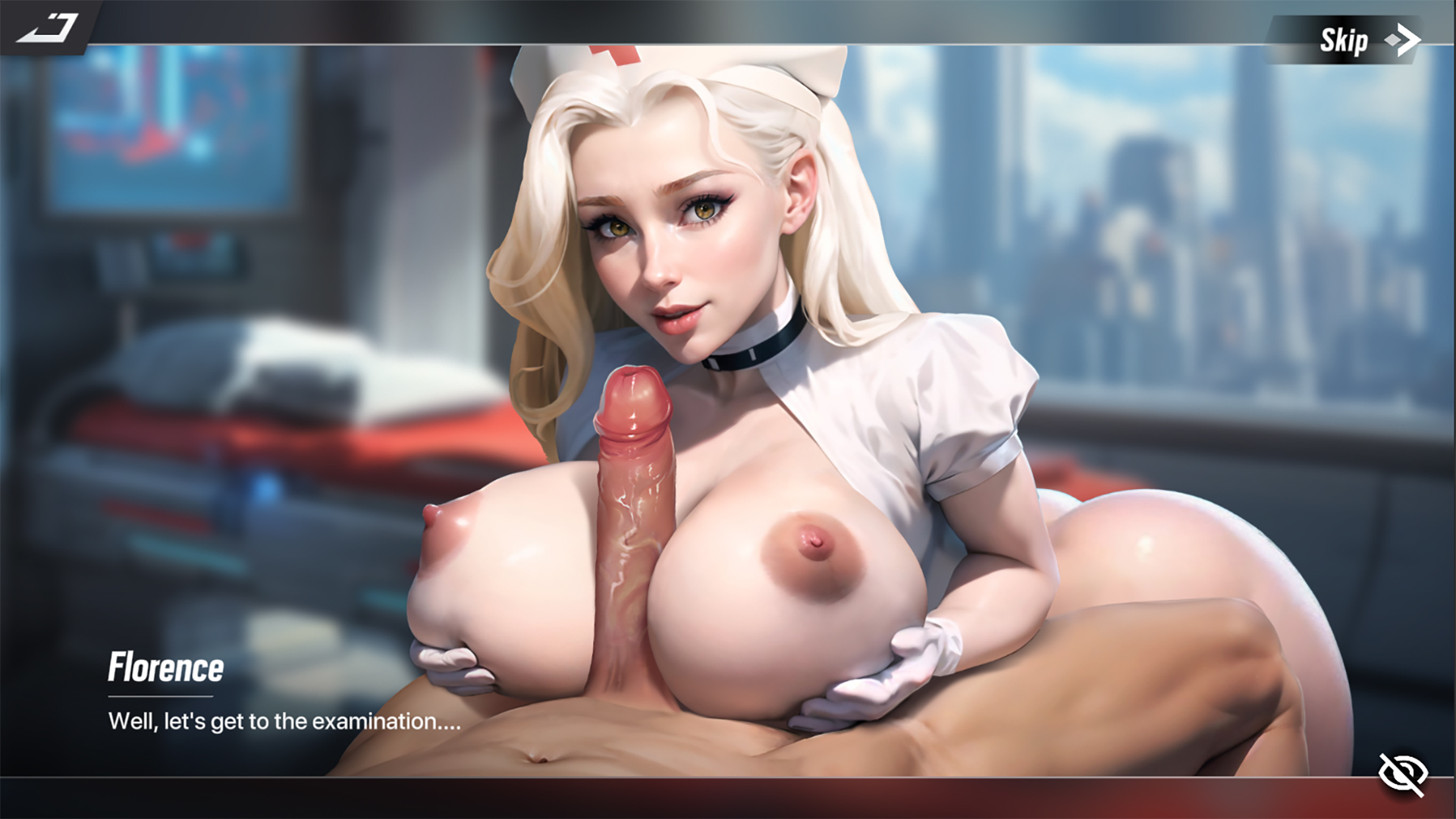
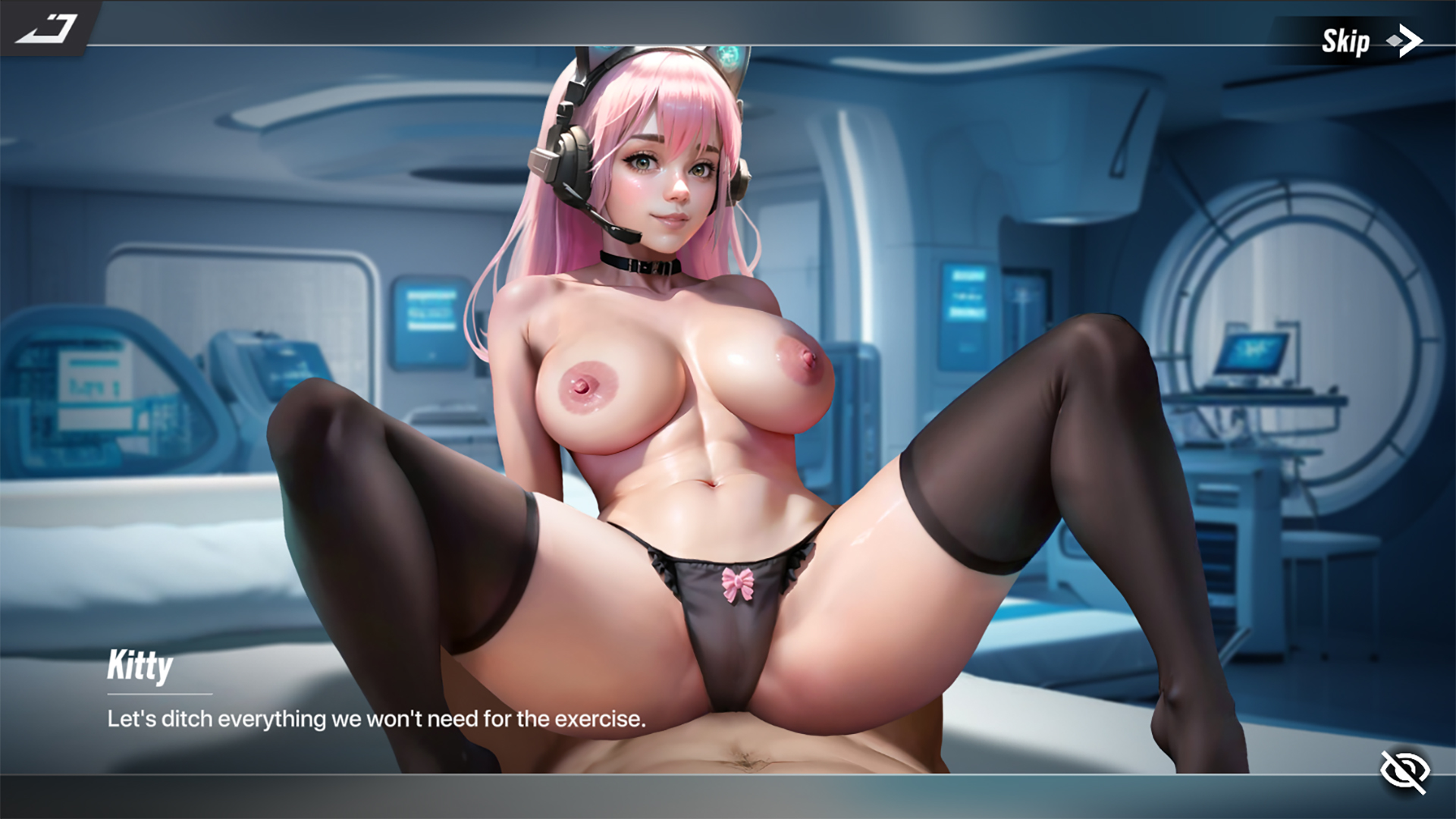
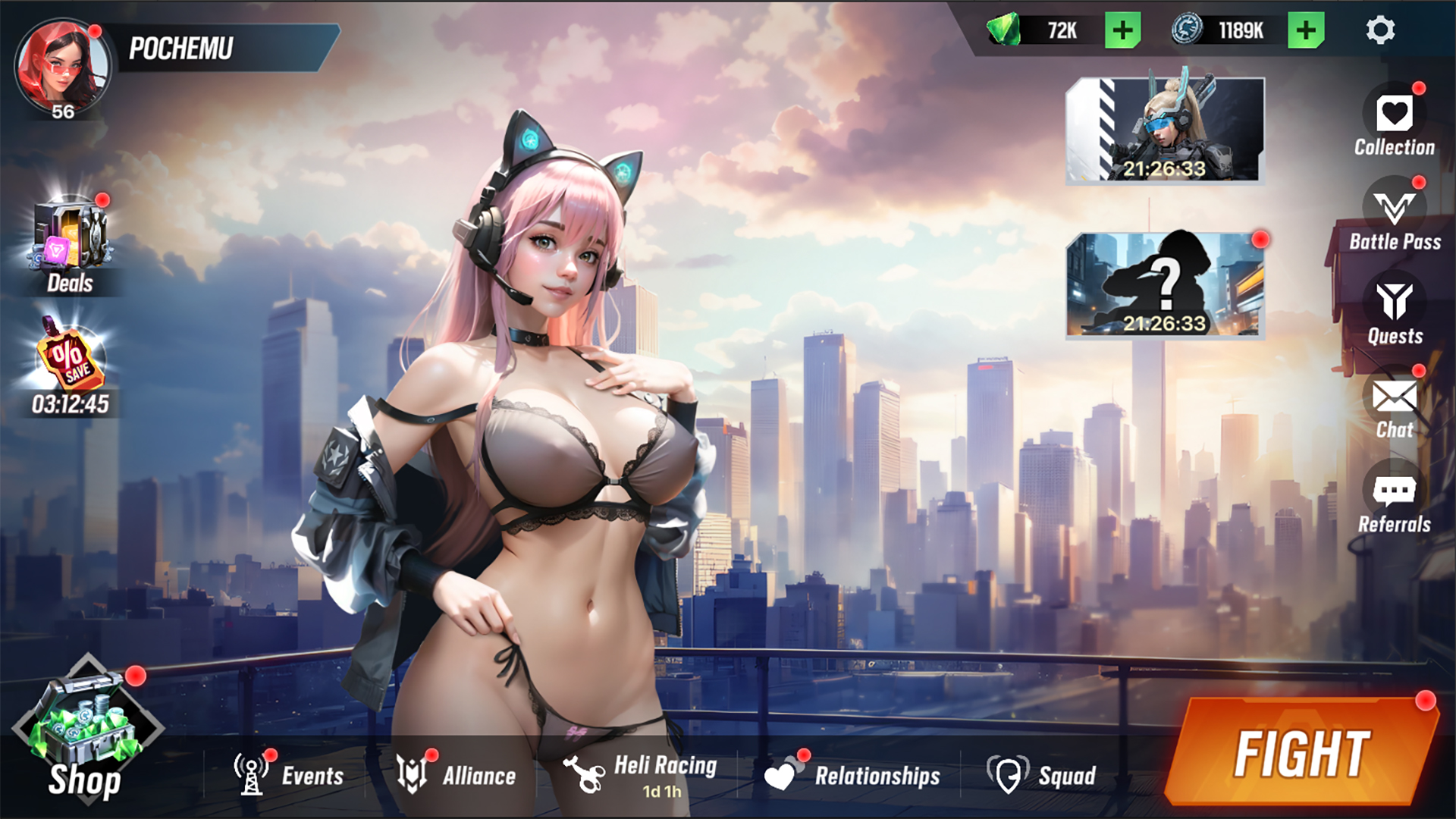
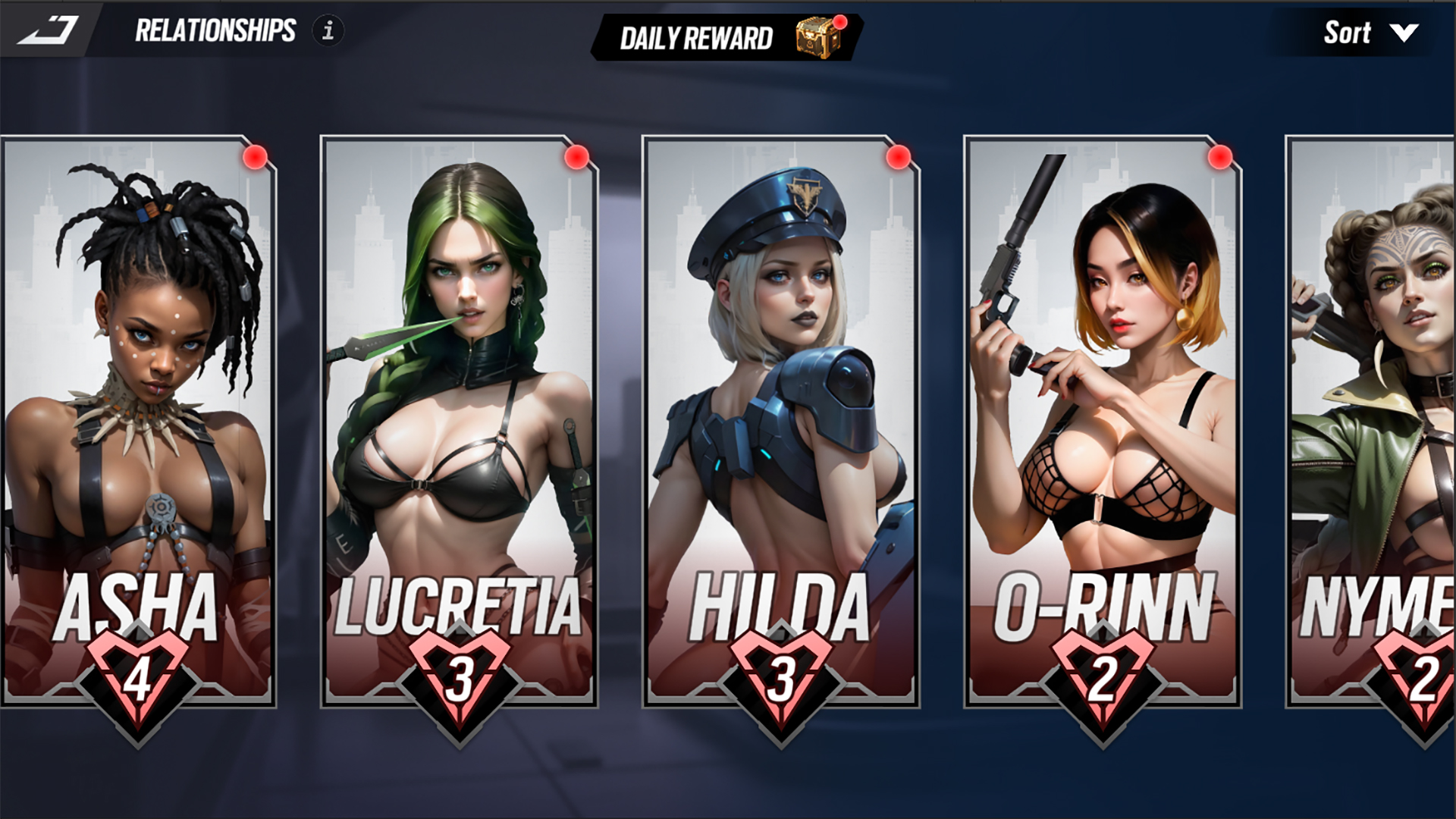
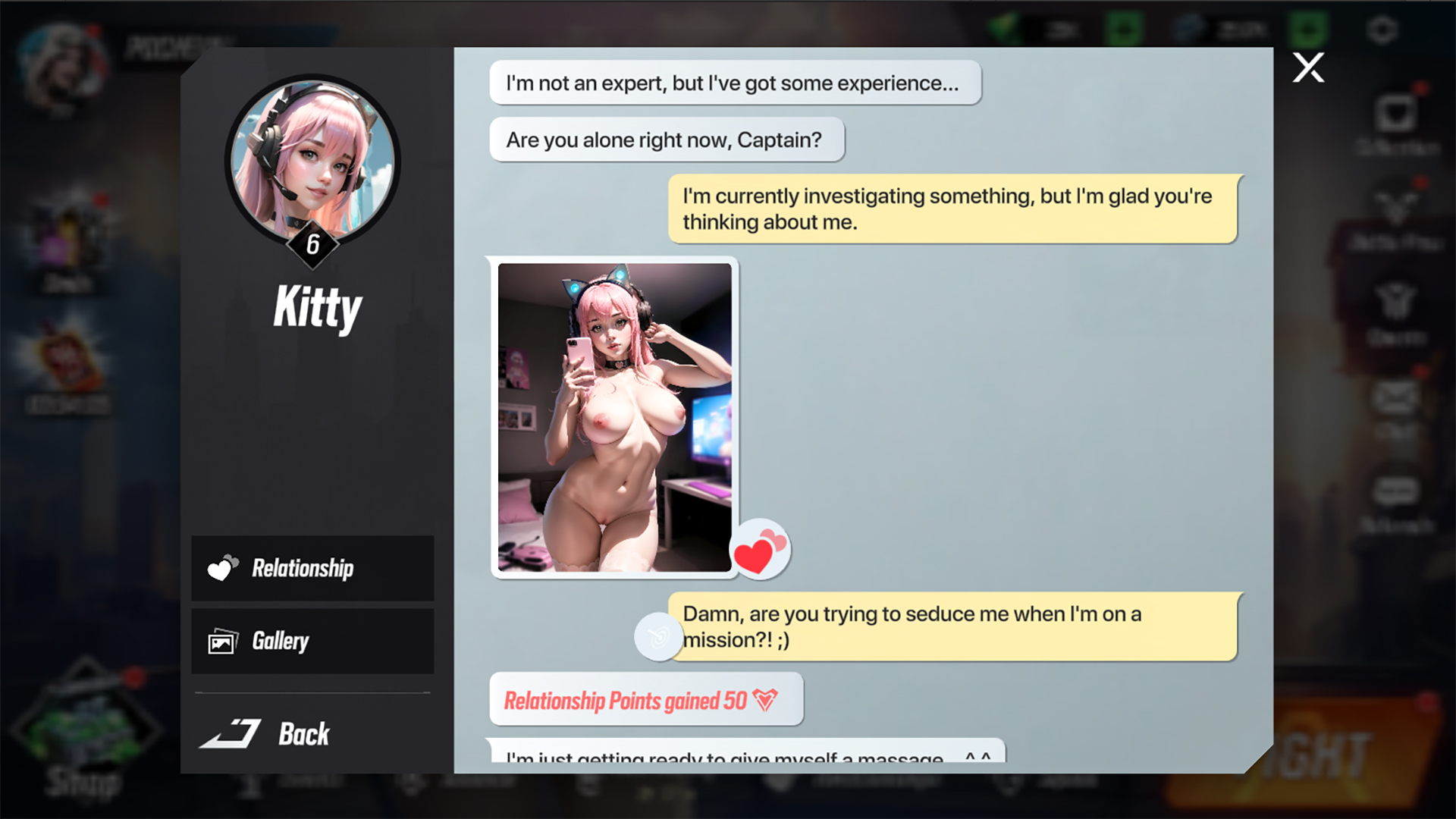
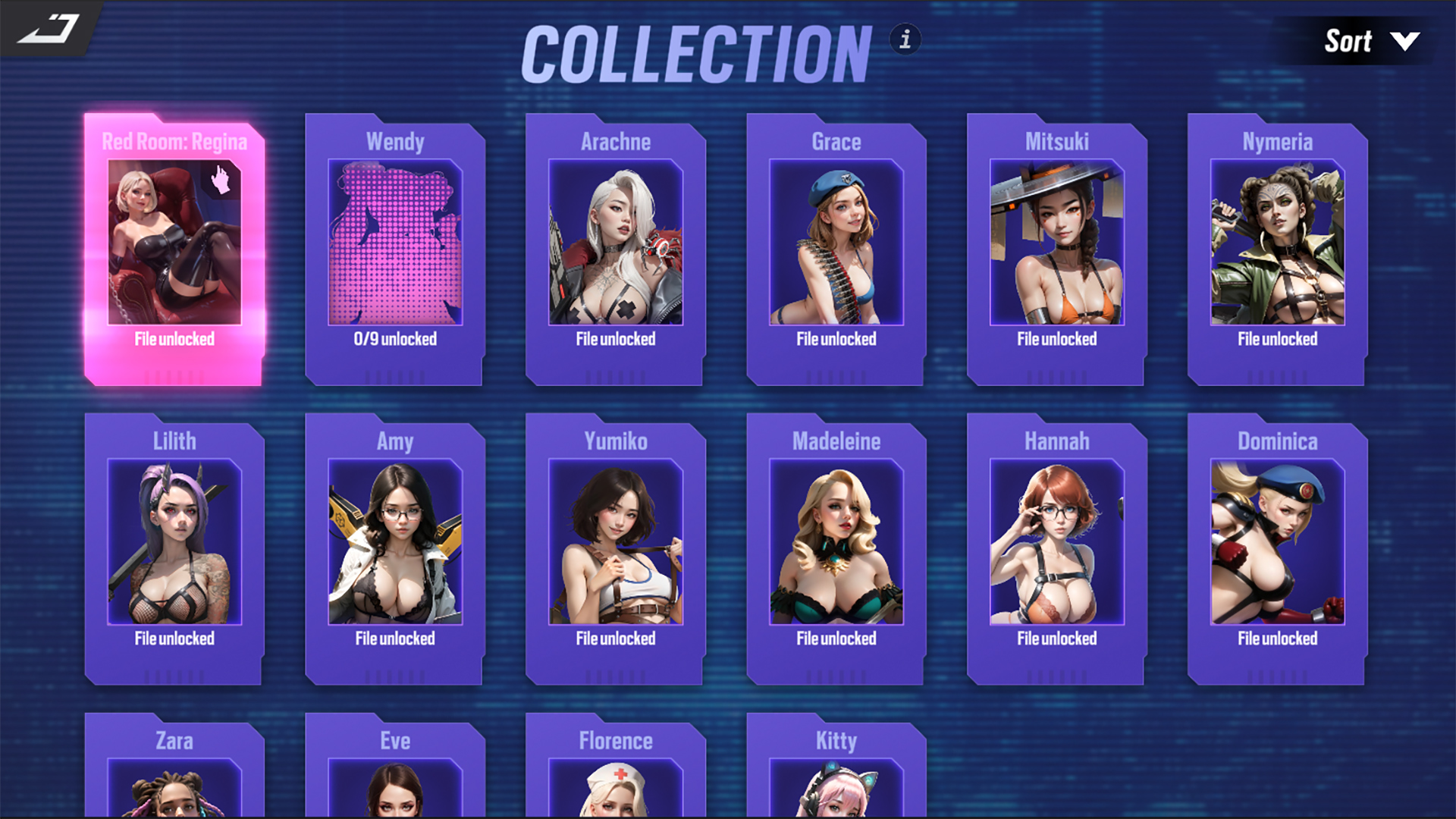
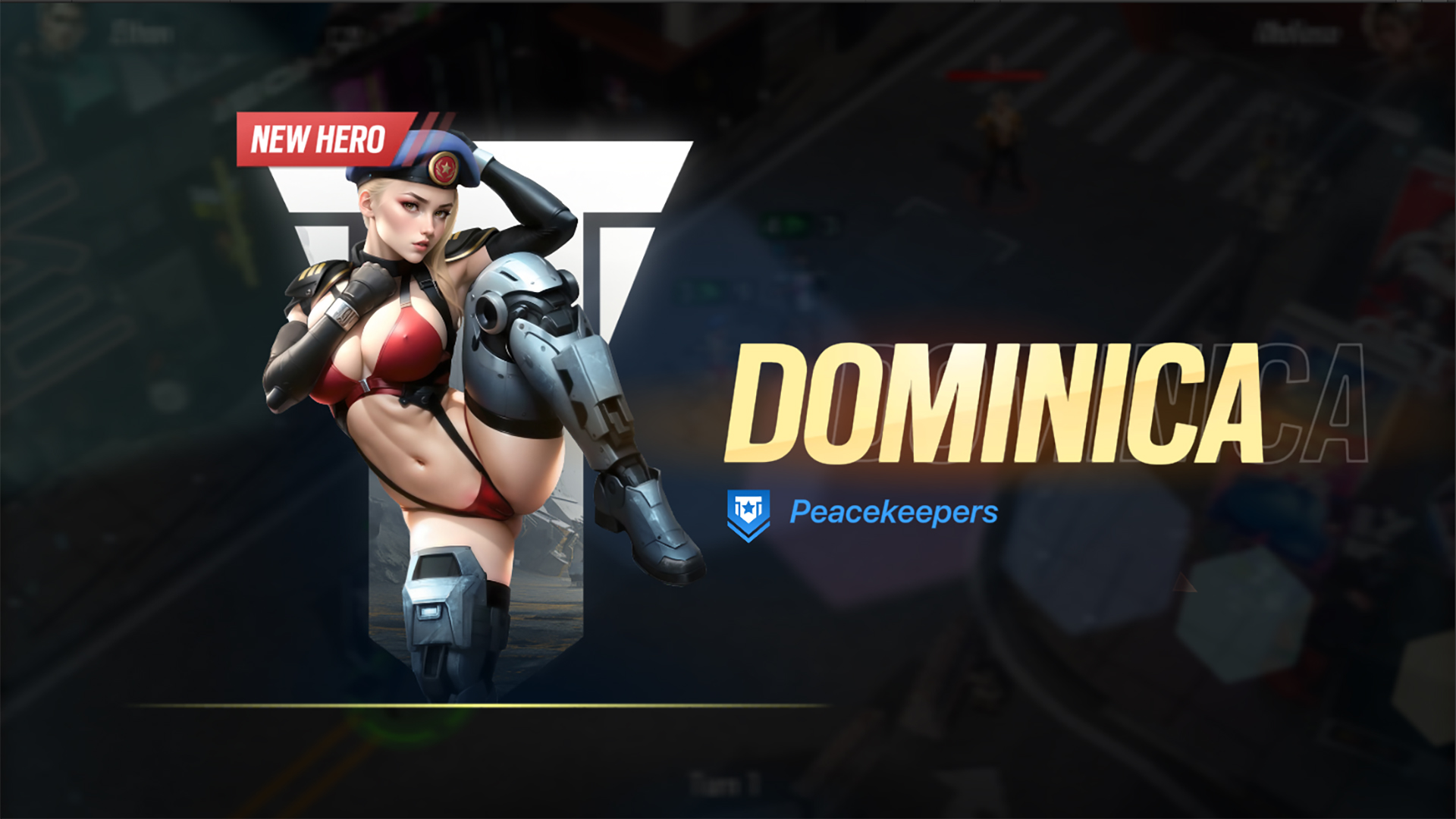
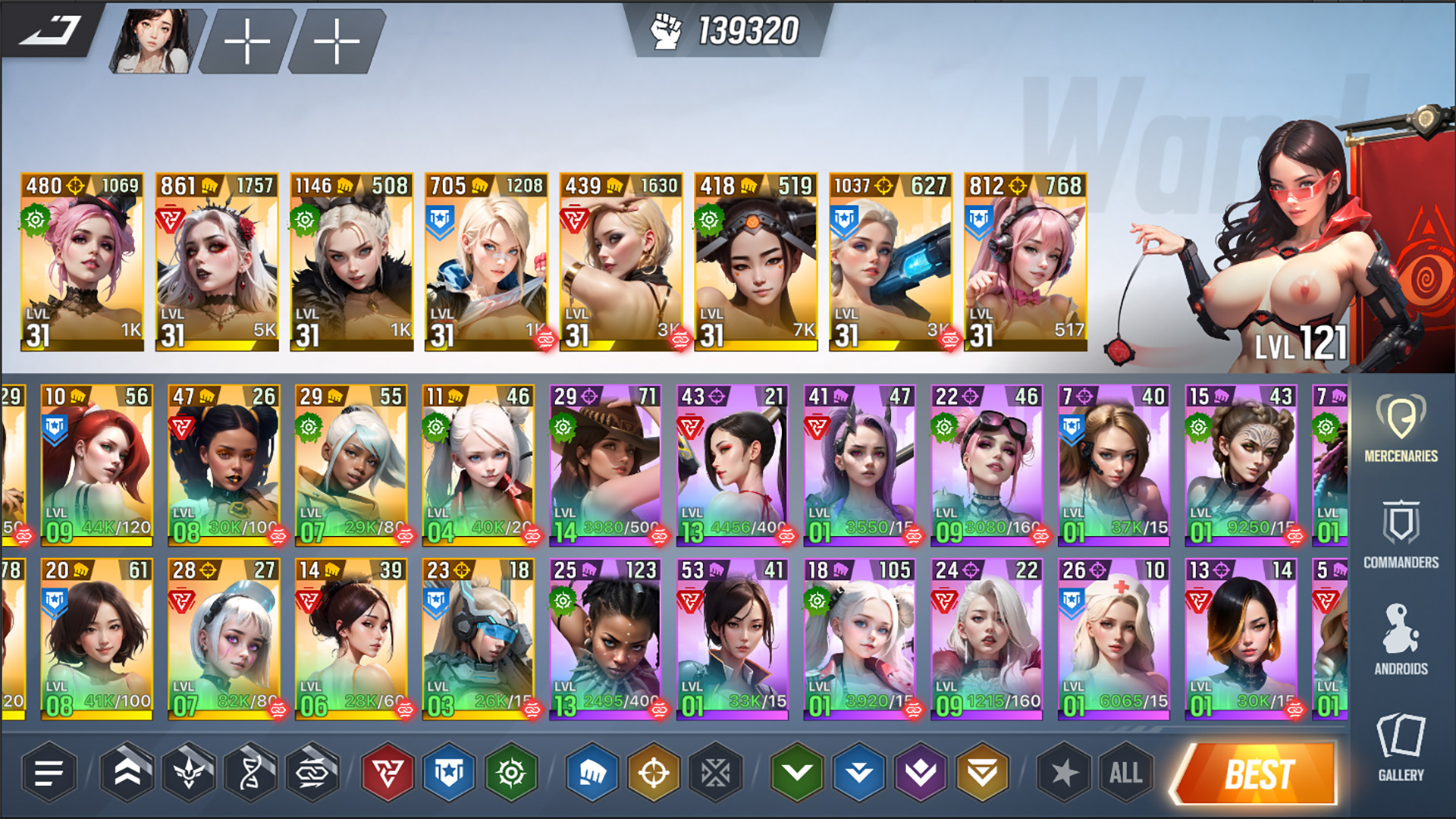
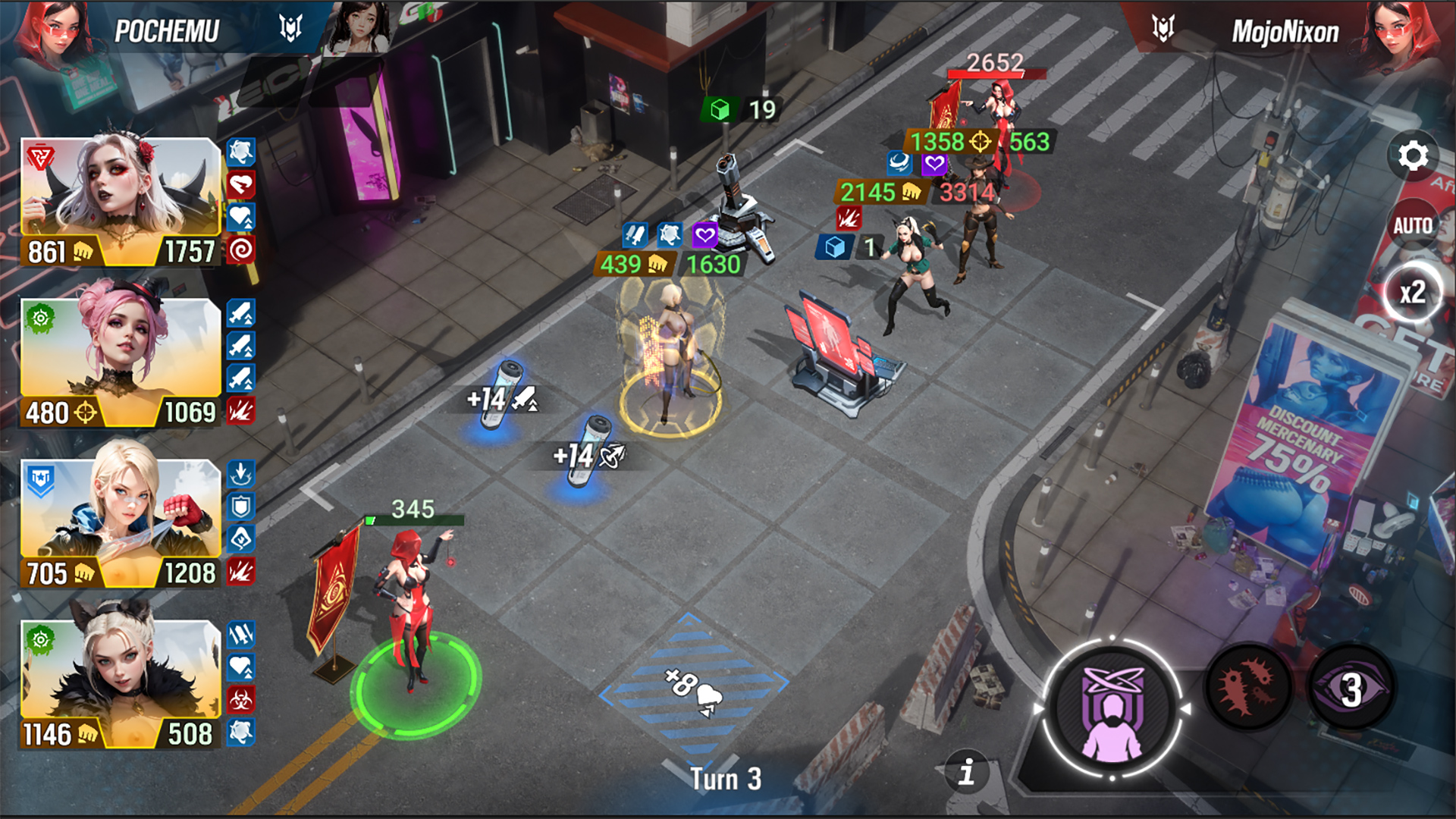


Lust Goddess是一個熱門且刺激的收藏卡片遊戲,你將在其中組建你獨特的性感女僕小隊。贏得她們的愛和信任,她們會通過實現你最狂野、最淫蕩的幻想來向你表達她們的感激!
* 免費遊戲可能包括應用程式內購買。
作为一队急切想要为你服务的雇佣兵的队长。你准备好面对你将要遇到的挑战了吗?那就勇往直前,向他们证明你是他们曾经有过的最好的队长!

参与激动人心且色彩斑斓的回合制战斗。城市里到处都是把女孩变成性奴的强盗。拯救那些可怜的女孩,她们会加入你的队伍并向你表示感激!

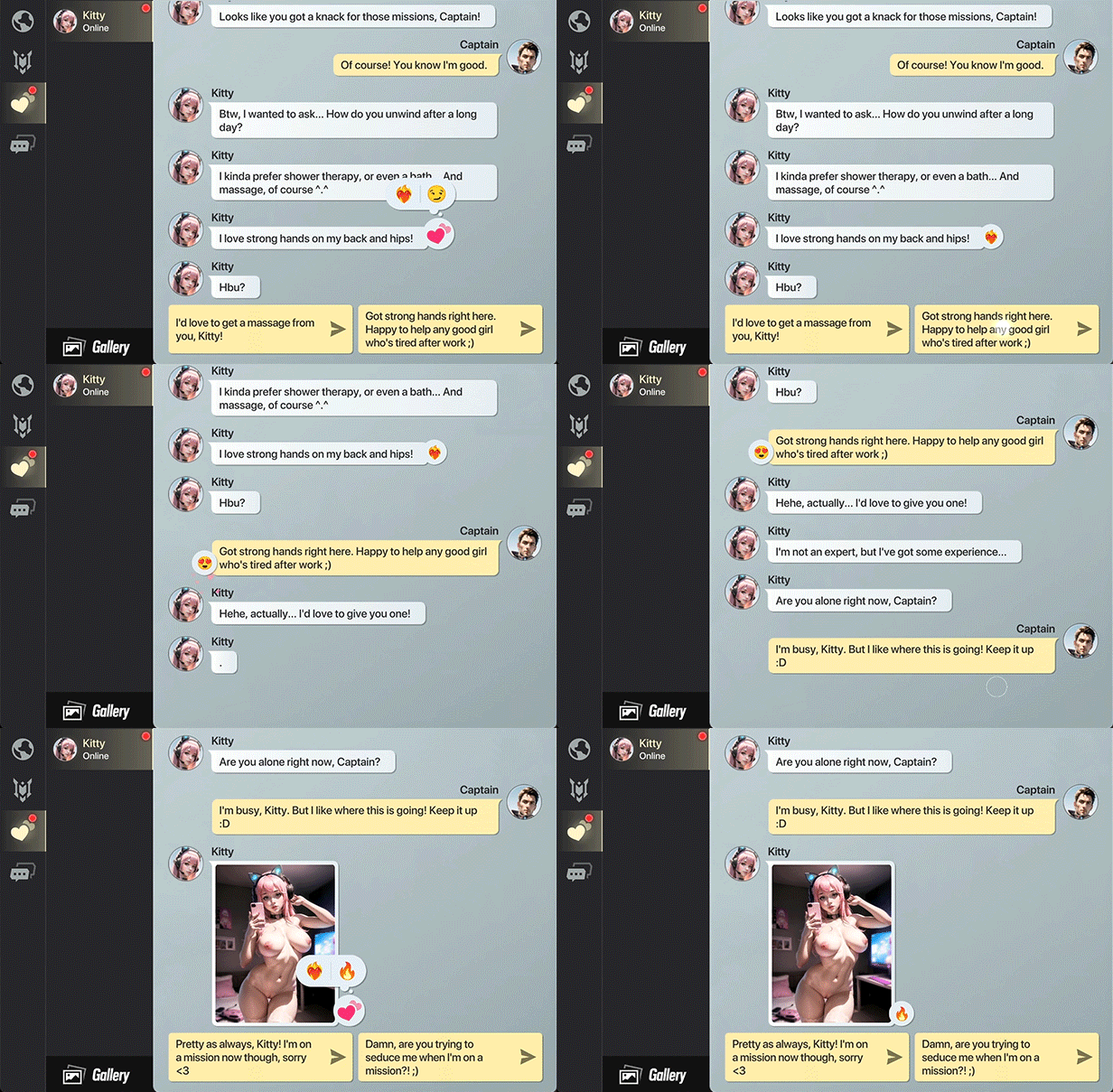
与你的女孩们进行热情的聊天,并收到她们的性感照片。她们每个人都有自己的个性,喜好和厌恶,当然,还有癖好...她们会非常乐意在你面前尽情展示!
遊戲新聞功能現暫時不支援新聞上傳。請關注該遊戲的社交媒體以獲取最新的遊戲新聞和更新。


Download Files
Game IPA File
This is the iOS IPA file that is used to install the game on your iOS device. After full completion of the installation guide, future game installations will only require this file to be downloaded.
Apple iTunes (64-bit)
Download and install iTunes directly from Apple’s website. If you already have iTunes installed, make sure it is not the Microsoft Store version, as this will lead to issues. Reinstall the correct version of iTunes if necessary.
For more information, please visit Apple’s iTunes Download Site.
Apple iCloud
Download and install iCloud. iCloud will assist with the identification and transfer of required files to your iOS device.
For more information on setting up iCloud on your PC, please visit Apple’s iCloud Setup Instructions.
AltServer
You’ll need a PC running Windows 10 or later.
For more information, please visit the iCloud Setup Instructions.
SideStore IPA
This is the iOS .IPA file that is used to install the SideStore app on your iOS device. You will need the SideStore in order to sideload game installation files to your device.
idevice pair
This will assist you in pairing your iOS device with your computer, in order to install the SideStore app.
Video Instruction
Text Instruction
What is SideStore and system requirements
The SideStore enables non-jailbroken iOS devices the ability to install apps manually, giving you access to NSFW games that aren’t available in the app store.
The following sections will guide you on the required files that need to be downloaded and installed, as well as step-by-step instructions on how to set up the SideStore and how to install apps on your device. Note that once you have completely set up the SideStore, future installations will only require you to download the Game Installation File (.IPA) and to carry out the game installation steps.
Please note that in order to follow this guide you will need access to a macOS (10.14 or higher) or Windows (10 or higher) computer.
Install iTunes and iCloud

Connect your device to your computer and enable Developer Mode

Install and Launch the SideStore on your device

Create and Import the Pairing File

Download and connect to SideStore’s VPN (LocalDevVPN)

Installing Nutaku Games Via the SideStore

Download Files
Game IPA File
This is the iOS IPA file that is used to install the game on your iOS device. After full completion of the installation guide, future game installations will only require this file to be downloaded.
AltServer
You’ll need a Mac running macOS 10.15 or later.
For more information, please visit the SideStore Official Site.
SideStore IPA
This is the iOS .IPA file that is used to install the SideStore app on your iOS device. You will need the SideStore in order to sideload game installation files to your device.
idevice pair
This will assist you in pairing your iOS device with your computer, in order to install the SideStore app.
Video Instruction
Text Instruction
What is SideStore and system requirements
The SideStore enables non-jailbroken iOS devices the ability to install apps manually, giving you access to NSFW games that aren’t available in the app store.
The following sections will guide you on the required files that need to be downloaded and installed, as well as step-by-step instructions on how to set up the SideStore and how to install apps on your device. Note that once you have completely set up the SideStore, future installations will only require you to download the Game Installation File (.IPA) and to carry out the game installation steps.
Please note that in order to follow this guide you will need access to a macOS (10.14 or higher) or Windows (10 or higher) computer.
Install AltServer on your Computer

Connect your device to your computer and enable Developer Mode
Install and Launch the SideStore on your device
Create and Import the Pairing File

Download and connect to SideStore’s VPN (LocalDevVPN)
Installing Nutaku Games Via the SideStore
FAQs: Installing Games with SideStore
Download Files
Game IPA File
This is the iOS IPA file that is used to install the game on your iOS device. After full completion of the installation guide, future game installations will only require this file to be downloaded.
Apple iTunes (64-bit)
Download and install iTunes directly from Apple’s website. If you already have iTunes installed, make sure it is not the Microsoft Store version, as this will lead to issues. Reinstall the correct version of iTunes if necessary.
For more information, please visit Apple’s iTunes Download Site.
Apple iCloud
Download and install iCloud. iCloud will assist with the identification and transfer of required files to your iOS device.
For more information on setting up iCloud on your PC, please visit Apple’s iCloud Setup Instructions.
AltServer
If you are located within the European Union (EU), please use your iPhone and visit the AltStore download page to download AltStore directly. If you are outside the EU, please click “Download” to download AltServer and follow the instructions.
For more information, please visit the AltStore Official Site.
Video Instruction
Text Instruction
What is AltStore and system requirements
The AltStore enables non-jailbroken iOS devices the ability to install apps manually, giving you access to NSFW games that aren’t available in the app store.
The following sections will guide you on the required files that need to be downloaded and installed, as well as step-by-step instructions on how to set up the AltStore and how to install apps on your device. Note that once you have completely set up the AltStore, future installations will only require you to download the Game Installation File (.IPA) and to carry out the game installation steps.
Please note that in order to follow this guide you will need access to a macOS (10.14 or higher) or Windows (10 or higher) computer.
Install iTunes and iCloud
Connect your device to your computer and enable Developer Mode
Install and Launch the AltStore on your device
Installing Nutaku Games Via the AltStore

Download Files
Game IPA File
This is the iOS IPA file that is used to install the game on your iOS device. After full completion of the installation guide, future game installations will only require this file to be downloaded.
AltServer
If you are located within the European Union (EU), please use your iPhone and visit the AltStore download page to download AltStore directly. If you are outside the EU, please click “Download” to download AltServer and follow the instructions.
For more information, please visit the AltStore Official Site.
Video Instruction
Text Instruction
What is AltStore and system requirements
The AltStore enables non-jailbroken iOS devices the ability to install apps manually, giving you access to NSFW games that aren’t available in the app store.
The following sections will guide you on the required files that need to be downloaded and installed, as well as step-by-step instructions on how to set up the AltStore and how to install apps on your device. Note that once you have completely set up the AltStore, future installations will only require you to download the Game Installation File (.IPA) and to carry out the game installation steps.
Please note that in order to follow this guide you will need access to a macOS (10.14 or higher) or Windows (10 or higher) computer.
Install AltServer on your Computer
Connect your device to your computer and enable Developer Mode
Install and Launch the AltStore on your device

Installing Nutaku Games Via the AltStore
FAQs: Installing Games with AltStore
Download Files
Game IPA File
This is the iOS IPA file that is used to install the game on your iOS device. After full completion of the installation guide, future game installations will only require this file to be downloaded.
Apple iTunes (64-bit)
Download and install iTunes directly from Apple’s website. If you already have iTunes installed, make sure it is not the Microsoft Store version, as this will lead to issues. Reinstall the correct version of iTunes if necessary.
For more information, please visit Apple’s iTunes Download Site.
Apple iCloud
Download and install iCloud. iCloud will assist with the identification and transfer of required files to your iOS device.
For more information on setting up iCloud on your PC, please visit Apple’s iCloud Setup Instructions.
Sideloadly (64-bit)
If you're using a 32-bit system, please visit the official Sideloadly website for alternative downloads.
Video Instruction
Text Instruction
What is Sideloadly and system requirements
Sideloadly is a tool that facilitates sideloading on iOS devices. It enables non-jailbroken iOS devices the ability to install apps manually, without having to rely on Apple’s App Store, giving you access to NSFW games that aren’t available in the app store.
The following sections will guide you on the required files that need to be downloaded and installed, as well as step-by-step instructions on how to set up the Sideloadly and how to install apps on your device. Note that once you have completely set up the AltStore, future installations will only require you to download the Game Installation File (.IPA) and to carry out the game installation steps.
Please note that in order to follow this guide you will need access to a macOS (10.14 or higher) or Windows (10 or higher) computer.
Install iTunes and iCloud
Connect your device to your computer and enable Developer Mode
Install Sideloadly on your Computer
Installing Nutaku Games Via Sideloadly

Download Files
Game IPA File
This is the iOS IPA file that is used to install the game on your iOS device. After full completion of the installation guide, future game installations will only require this file to be downloaded.
Sideloadly
Requires macOS 10.12 Sierra and higher. Apple Silicon Mac M1/M2/M3/M4 Pro/Max/Ultra Sideloading Supported.
For more information, please visit the Sideloadly official website.
Video Instruction
Text Instruction
What is Sideloadly and system requirements
Sideloadly is a tool that facilitates sideloading on iOS devices. It enables non-jailbroken iOS devices the ability to install apps manually, without having to rely on Apple’s App Store, giving you access to NSFW games that aren’t available in the app store.
The following sections will guide you on the required files that need to be downloaded and installed, as well as step-by-step instructions on how to set up the Sideloadly and how to install apps on your device. Note that once you have completely set up the AltStore, future installations will only require you to download the Game Installation File (.IPA) and to carry out the game installation steps.
Please note that in order to follow this guide you will need access to a macOS (10.14 or higher) or Windows (10 or higher) computer.
Install Sideloadly on your Computer

Connect your device to your computer and enable Developer Mode
Installing Nutaku Games Via Sideloadly
FAQs: Installing Games with Sideloadly
Lust Goddess
Please use your mobile phone to scan the QR code to download.
Video Instruction
Text Instruction
What is Quick Install and system requirements
Quick Install is a special sideloading method that allows you to install a game directly into your device without the need to download any computer software or other apps. You can follow all the steps directly from your iOS device.
Quick Install is only available on iOS devices and for users that have completed any purchase* within the last 60 days. For best performance, we recommend iOS 15 and above.
*Purchases conducted using only Nutaku Gold are not eligible.
Accessing Quick Install Option

Game’s app page and initial installation


Getting redirected back to the game’s app page


FAQs: Installing Games with Quick Install
Premium Feature Locked
Quick install allows you to quickly install a game directly to your iOS device without having to download or use any other software.
This feature is only available to users who have made a purchase in the past 60 days. To unlock Quick Install and install the game directly to your iPhone, please make any purchase.
前往 Gold 商店糟糕,發生錯誤了!
很抱歉,系統發生了未知錯誤。請稍後重試,或如果該問題仍然存在,請 聯絡支援人員。
很抱歉,提交您的舉報時發生了錯誤。請重新提交您的舉報,如果再次發生錯誤,請聯繫我們的支持團隊。
下載遊戲檔案,傳輸到您的 Android 裝置
在您的裝置上造訪此網頁,下載至您的 Android 裝置
在您的行動裝置上造訪此網頁,將遊戲應用程式檔案直接下載至您的裝置。
雙重認證開啟
有關雙重認證的更多信息,請聯繫支持。
自訂 Cookie